

























Your AI agents are flying blind.
Atlan gives them the context to act.
Connect Atlan to your business systems and bring all your existing organizational context into your Enterprise Context Layer.
30-min call. An honest conversation



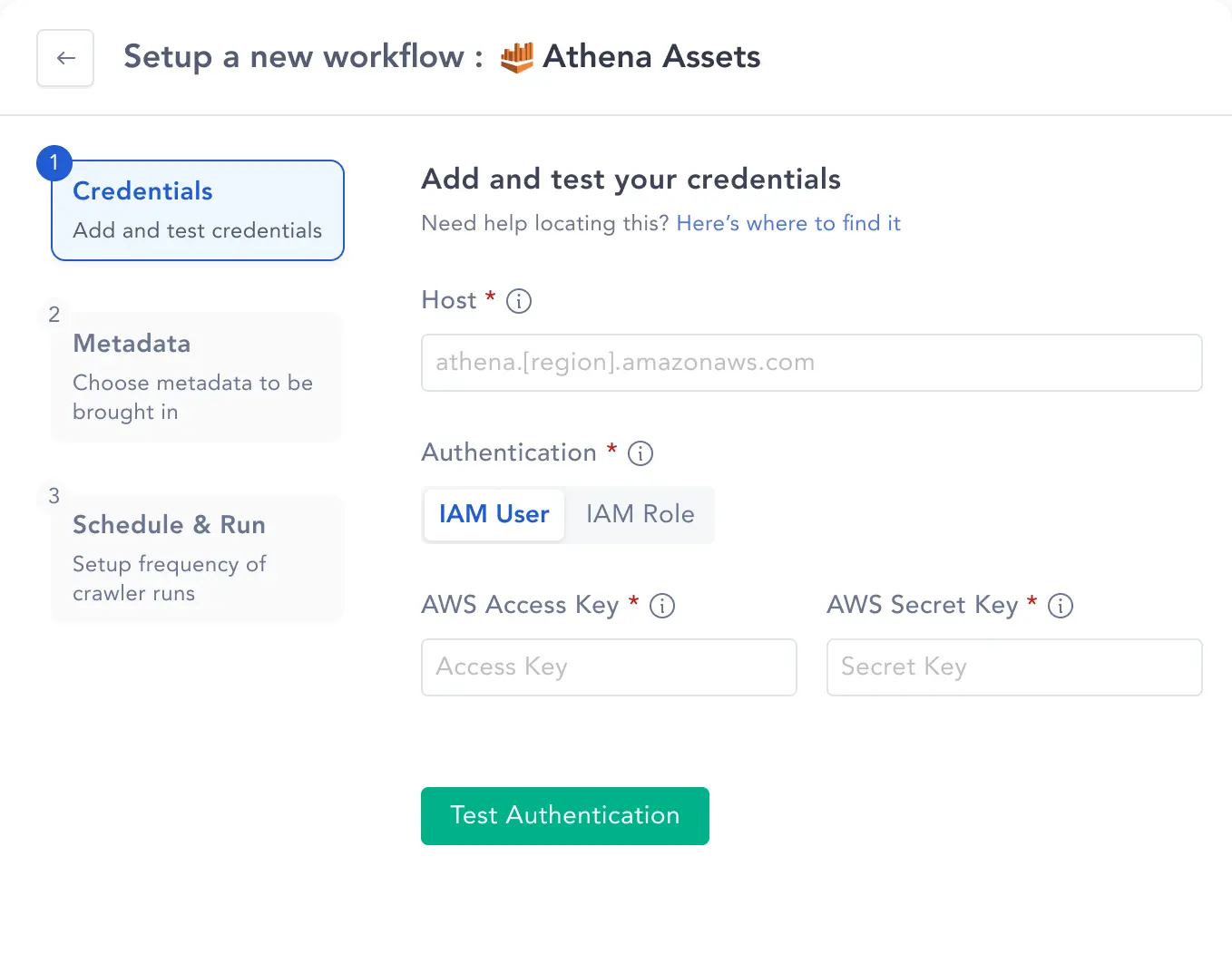
Start building your context layer in 3 steps.
Atlan's connectors are built for everyone. Choose from OAuth or API credentials, select the scope, and set a schedule. That's it.
Authenticate your connection
Connect with OAuth or API credentials. Test your authentication before running so you can pre-empt failures, not debug them.
Scope what to bring in
Choose what to bring in at the database, schema, or table level.
Schedule and start ingesting
Set your crawl to run daily, weekly, or on-demand. Atlan handles incremental updates automatically so your context always reflects your current stack, with no manual maintenance required.
Native connectors for every layer of your stack
Ready to connect your stack?
See what Atlan can do for your AI team.
30-min call. An honest conversation
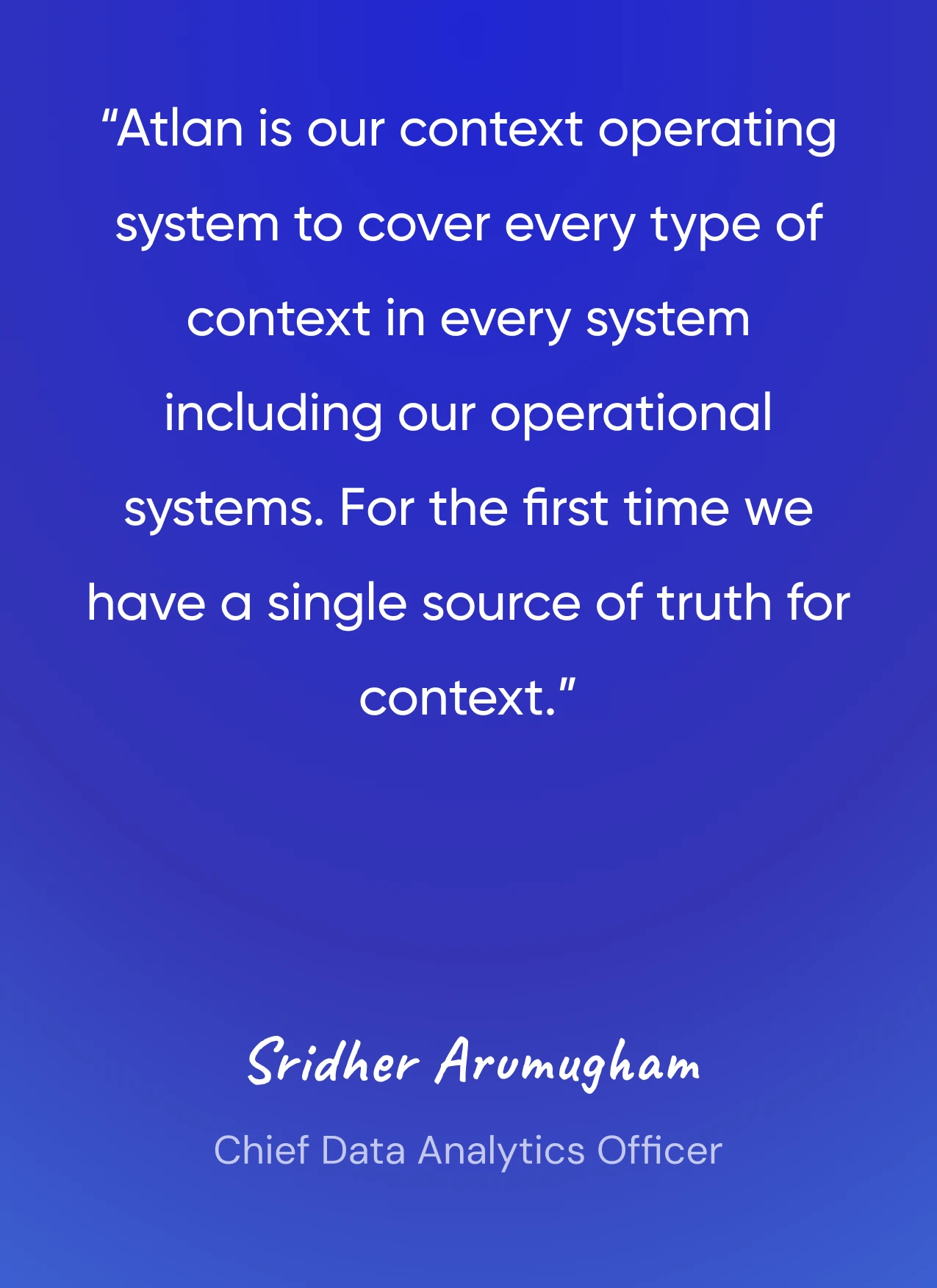
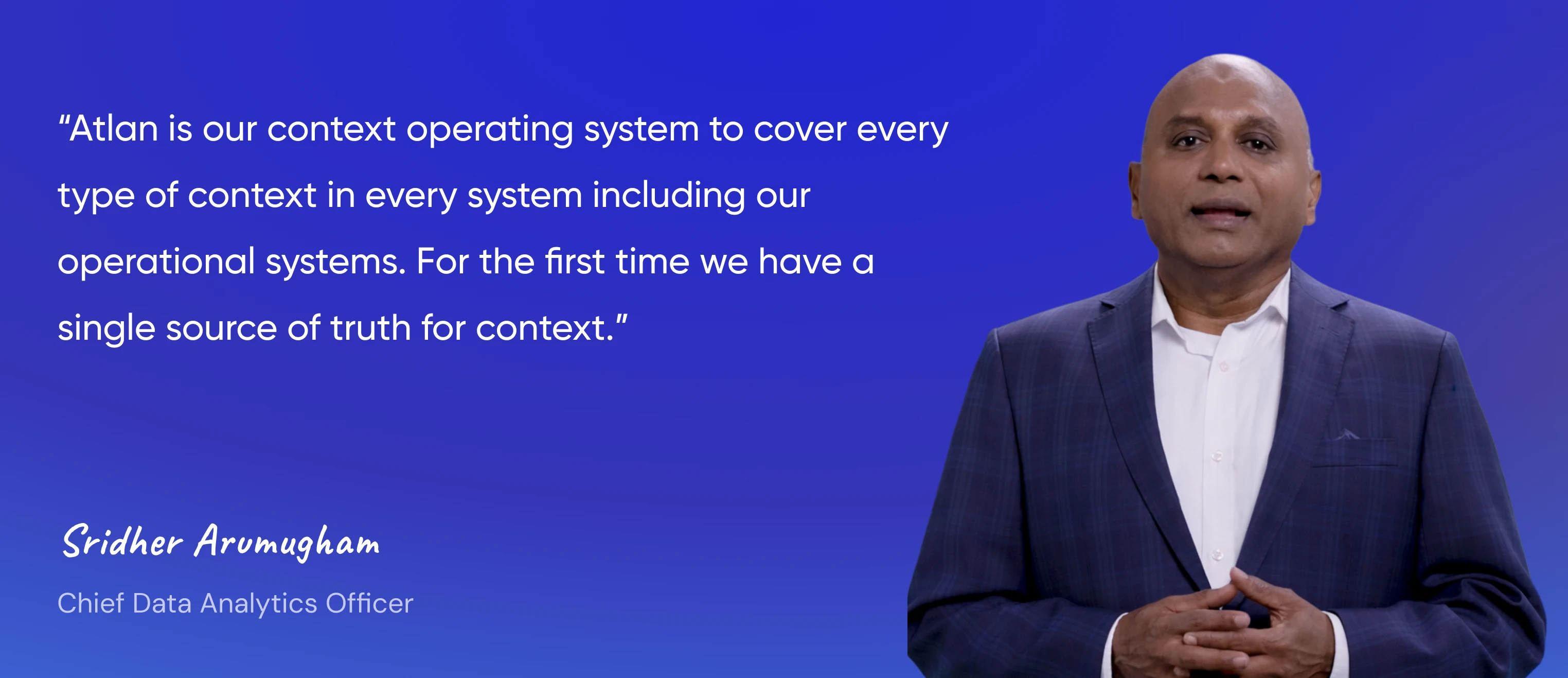
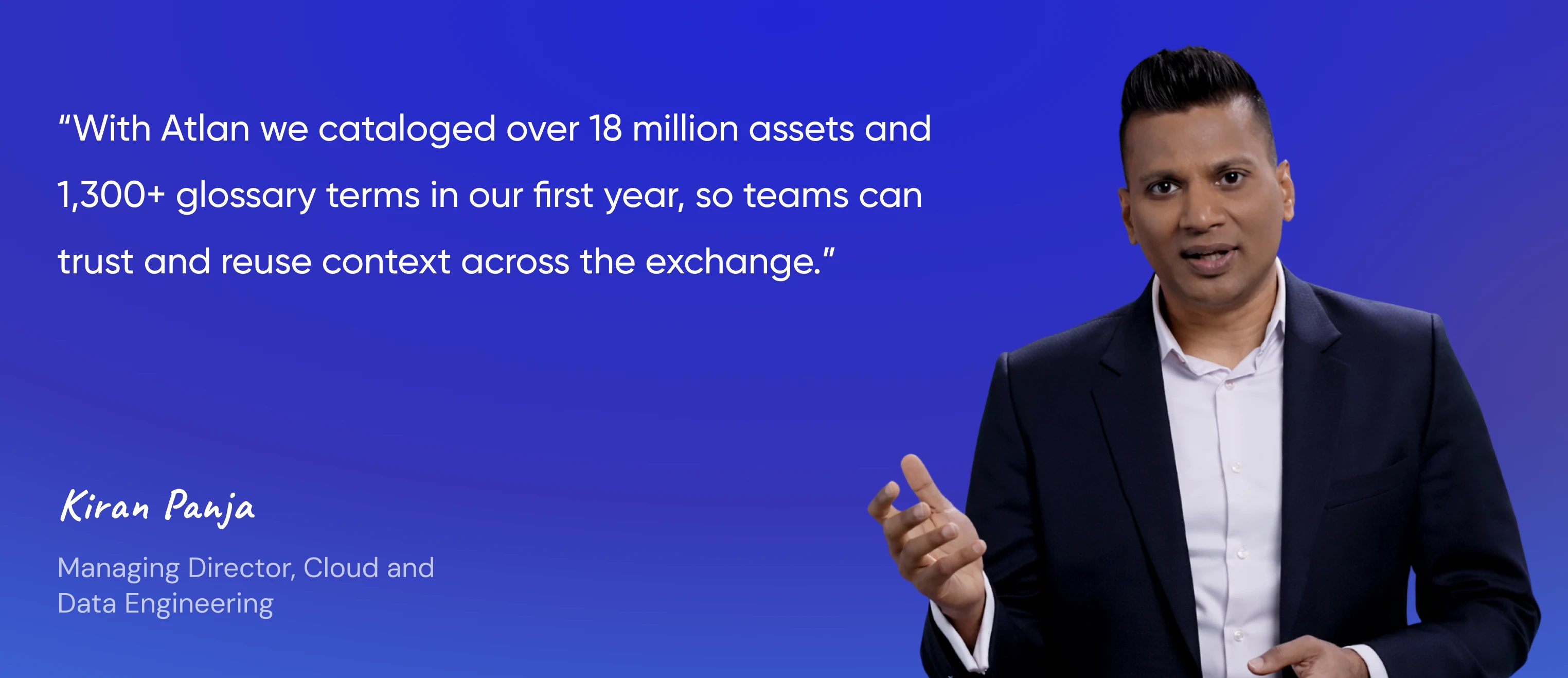
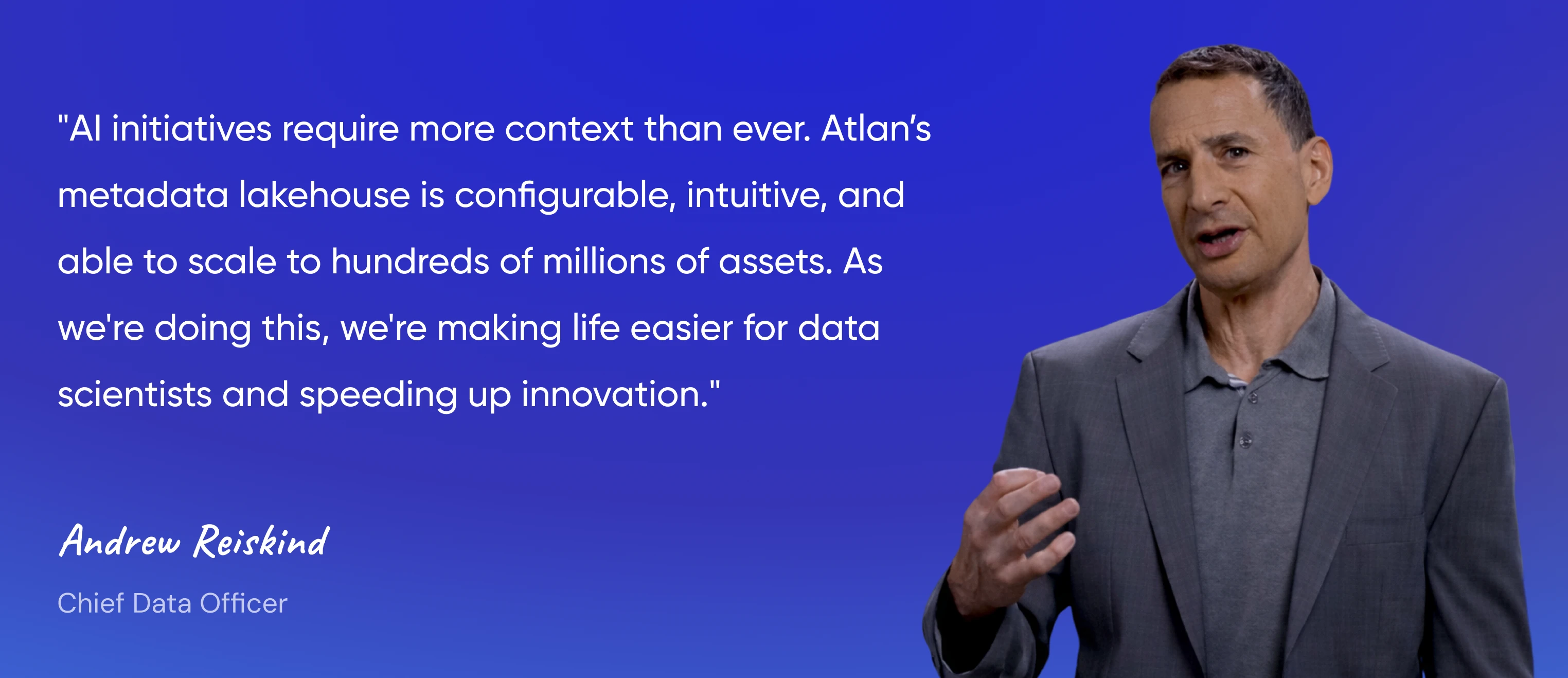
Leading AI teams use Atlan to connect context
- Watch Video
- Watch Video
- Watch Video
- Watch Video




Build your own connectors and apps on Atlan
The Atlan App Framework makes your Context Layer fully extensible. Any developer, partner, or customer can build a connector in days using the same infrastructure that powers our native connectors.

Standardized APIs
Seamlessly access context, lineage, and governance

Runtime environments
Run app logic securely and reliably at scale

Developer tooling
Accelerate builds with SDKs, CLI tools, and sandboxes

UI extension points
Embed custom experiences directly inside Atlan

Reusable components
Skip boilerplate with prebuilt modules for faster delivery
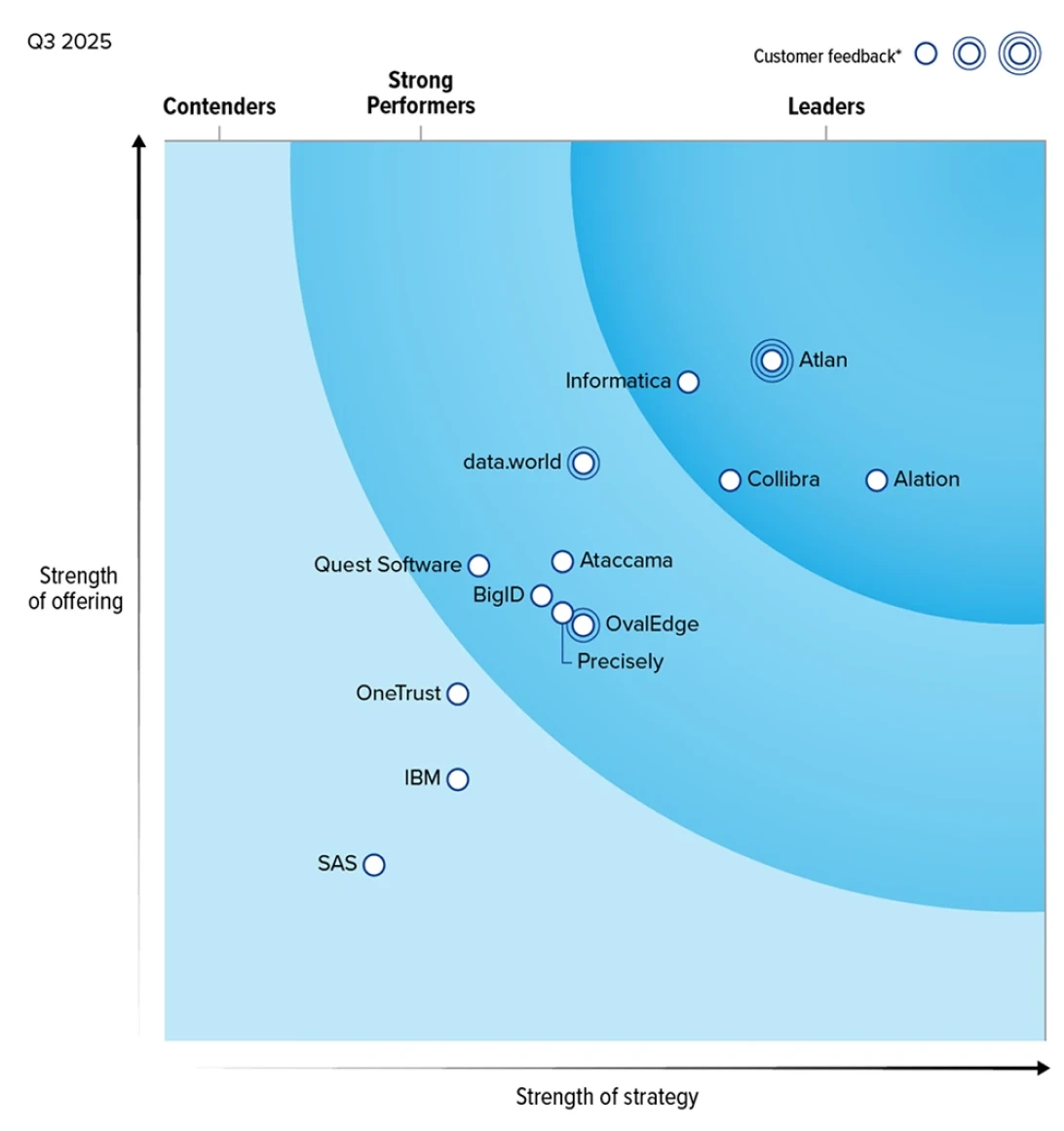
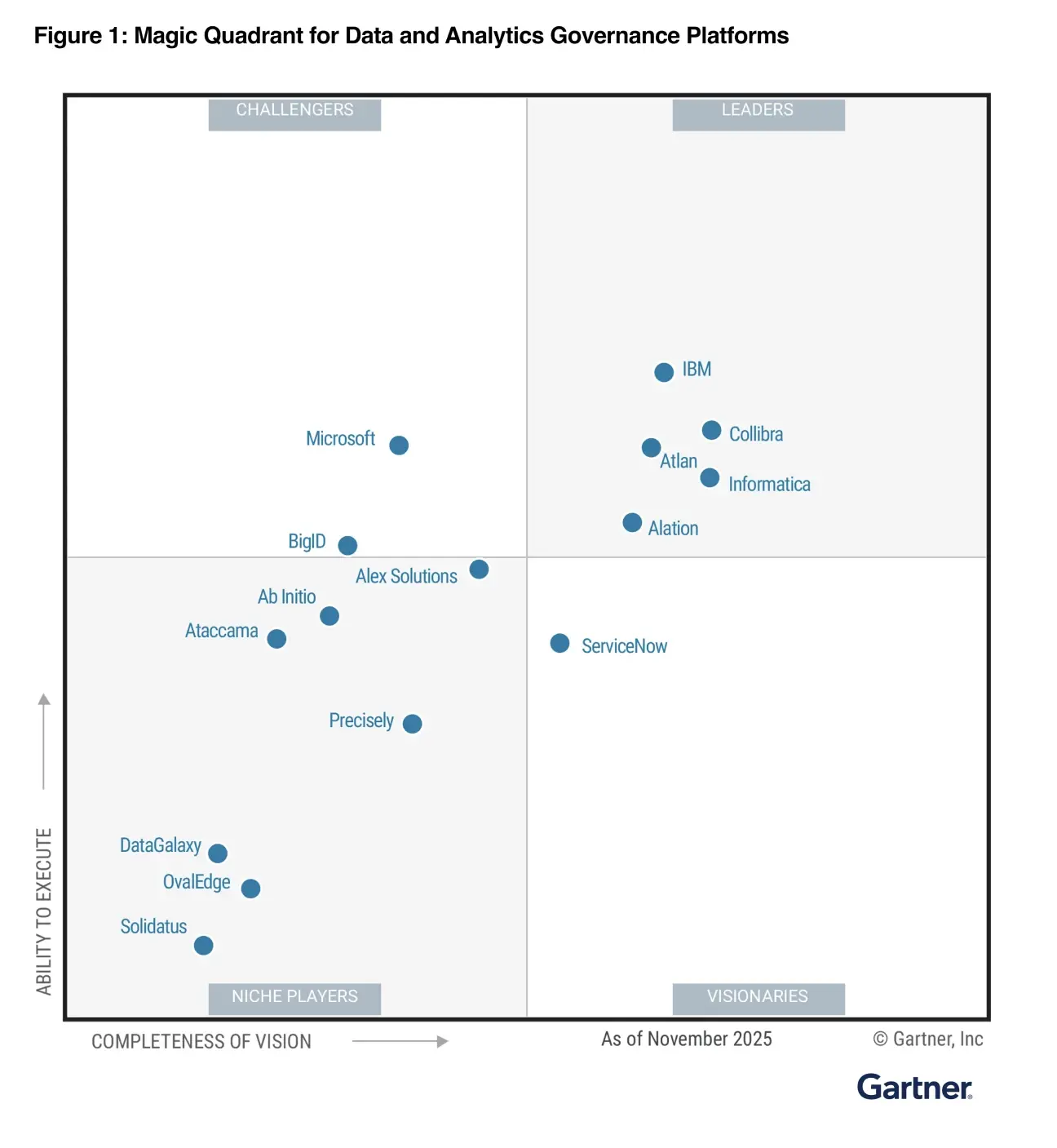
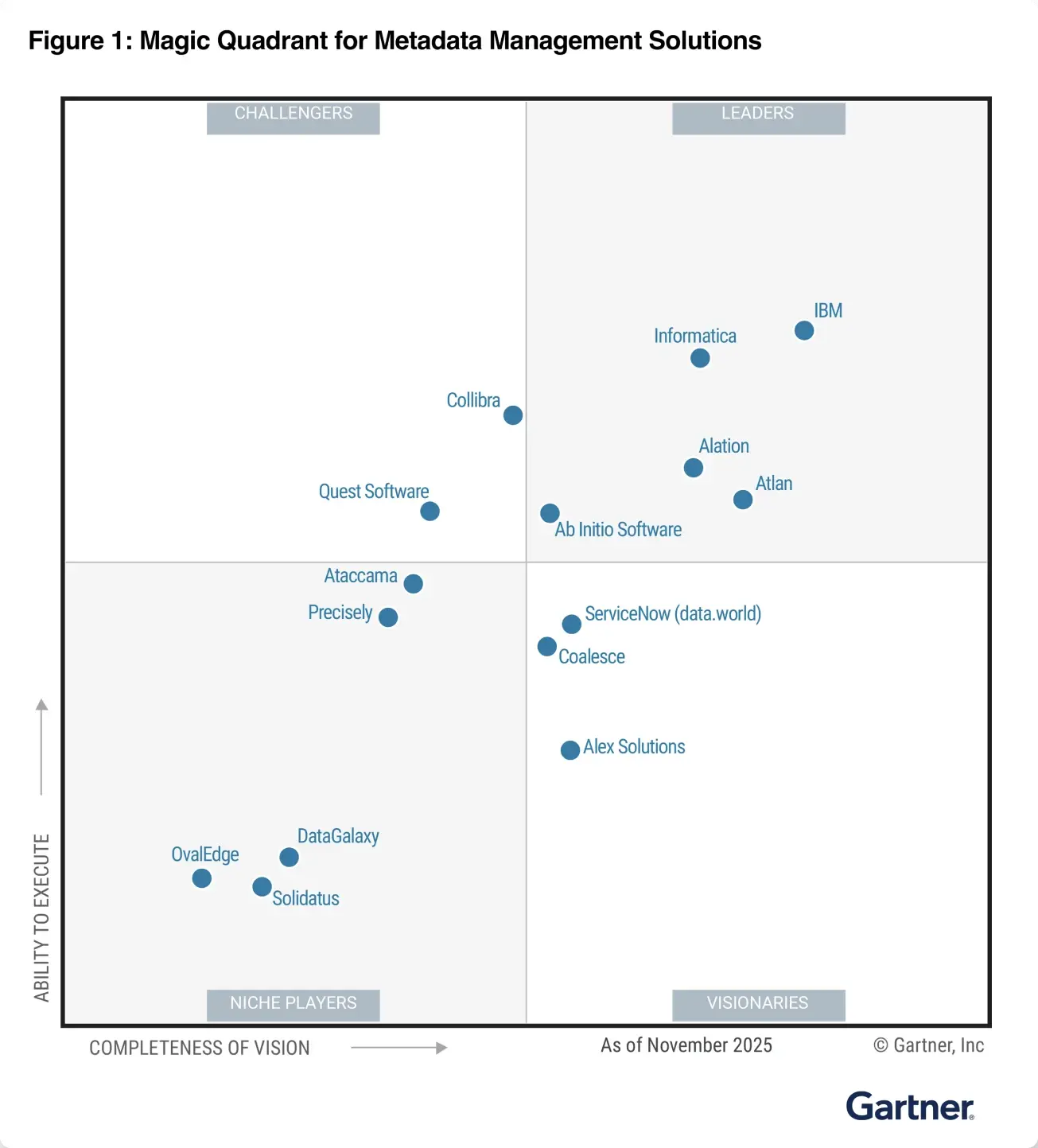
The recognized leader in bringing the context ecosystem together
Frequently asked questions
Atlan supports native connectors and integrations across your entire data estate — data warehouses (Snowflake, BigQuery, Redshift, Databricks), databases (PostgreSQL, MySQL, Oracle, SQL Server), BI tools (Tableau, Power BI, Looker, Sigma), ETL pipelines (dbt, Fivetran, Matillion), orchestrators (Airflow, Dagster), data quality tools (Monte Carlo, Anomalo), and more. Use the connector grid above to browse by category or search by tool name.
Most connectors are live within minutes. You authenticate once — via OAuth or API credentials — configure what to extract and on what schedule, and Atlan begins pulling context and lineage automatically. No engineering lift, no ongoing maintenance. Incremental updates keep your context current as your stack evolves.
Yes. The Atlan App Framework lets your team, partners, or system integrators build custom connectors for niche, legacy, or homegrown systems using the open-source Application SDK. Custom connectors publish to your Atlan workspace exactly like native ones — same context model, same lineage graph, same access by AI agents.
Atlan extracts structural context (databases, schemas, tables, views, columns with types and nullability), relationship-level lineage (upstream and downstream asset dependencies), operational context (row counts, last-modified timestamps, creation history), and quality signals where your quality tools are connected (Monte Carlo, Anomalo, Bigeye, and others). All extracted context flows into the Enterprise Data Graph — the foundation for Context Agents, Data Lineage analysis, and AI agent context delivery.
You configure a sync schedule per connector — from on-demand to daily or weekly batch. Atlan handles incremental updates automatically, so your context always reflects the current state of your stack without any manual effort. Changes in source systems — new tables, schema changes, deleted assets — are picked up on the next scheduled crawl.
No. Atlan only reads context — schema names, table structures, column definitions, lineage relationships, ownership, and timestamps. Your actual data never leaves your systems. Atlan never queries the rows in your tables, never stores data payloads, and never moves data between systems. What gets extracted is the context about your data, not the data itself.
Request it directly — the Atlan team ships new native connectors regularly based on customer demand. Or build it yourself using the App Framework (open-source Python SDK, Apache 2.0 license) — the same infrastructure that powers every native connector. Most custom connectors take days, not weeks.
Bridge the context gap.
Ship AI that works.
30-min call. An honest conversation
